
 Post by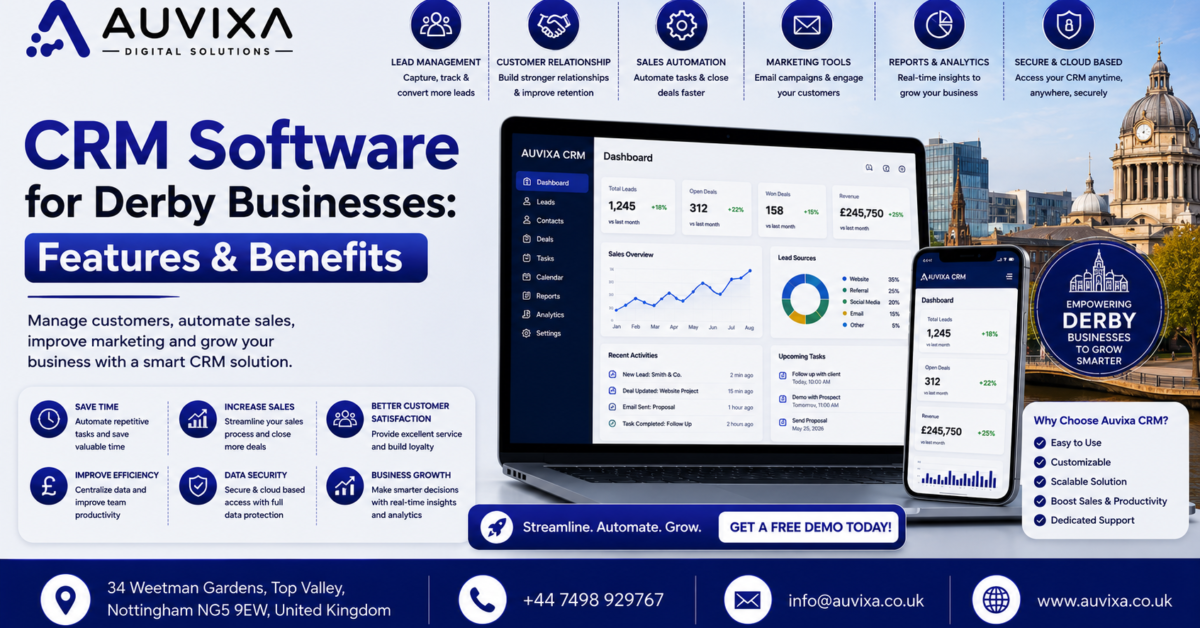
CRM Software for Derby Businesses: Features & Benefits
Running a business in Derby means competing for attention in a market where customers have plenty of choices. Whether you operate a professional services company, construction business, retail operation, property agency, healthcare practice, manufacturing company, or growing B2B organisation, keeping track of customers and leads can quickly become difficult when information is scattered across spreadsheets, emails, notebooks, and individual employees’ phones. This is where CRM software for Derby businesses can make a meaningful difference.
A Customer Relationship Management system, commonly called a CRM, gives businesses one central place to manage customer information, sales opportunities, communications, tasks, follow-ups, and business relationships. Instead of asking a team member to search through old emails to remember what happened with a prospect, staff can access a structured customer record and immediately understand the history of the relationship.
The value of CRM software goes beyond storing contact details. A well-configured CRM can help automate repetitive tasks, identify promising leads, monitor sales pipelines, improve customer service, generate reports, and give managers greater visibility over business performance. For a small Derby company, this can mean spending less time on administration and more time serving customers. For a larger organisation, it can provide consistency across departments and locations.
The right CRM should also reflect how your business actually operates. A construction company may need lead tracking, quotation management, project handovers, and customer communications, while an estate agency may prioritise property enquiries, viewing follow-ups, and automated communications. A professional services firm might need appointment management, recurring customer interactions, document tracking, and detailed reporting.
Choosing CRM software simply because it is popular is rarely enough. The system needs to fit your processes, budget, team size, technology stack, and growth plans. This guide explores the most important CRM features and benefits for Derby businesses, along with practical considerations for selecting and implementing a system.
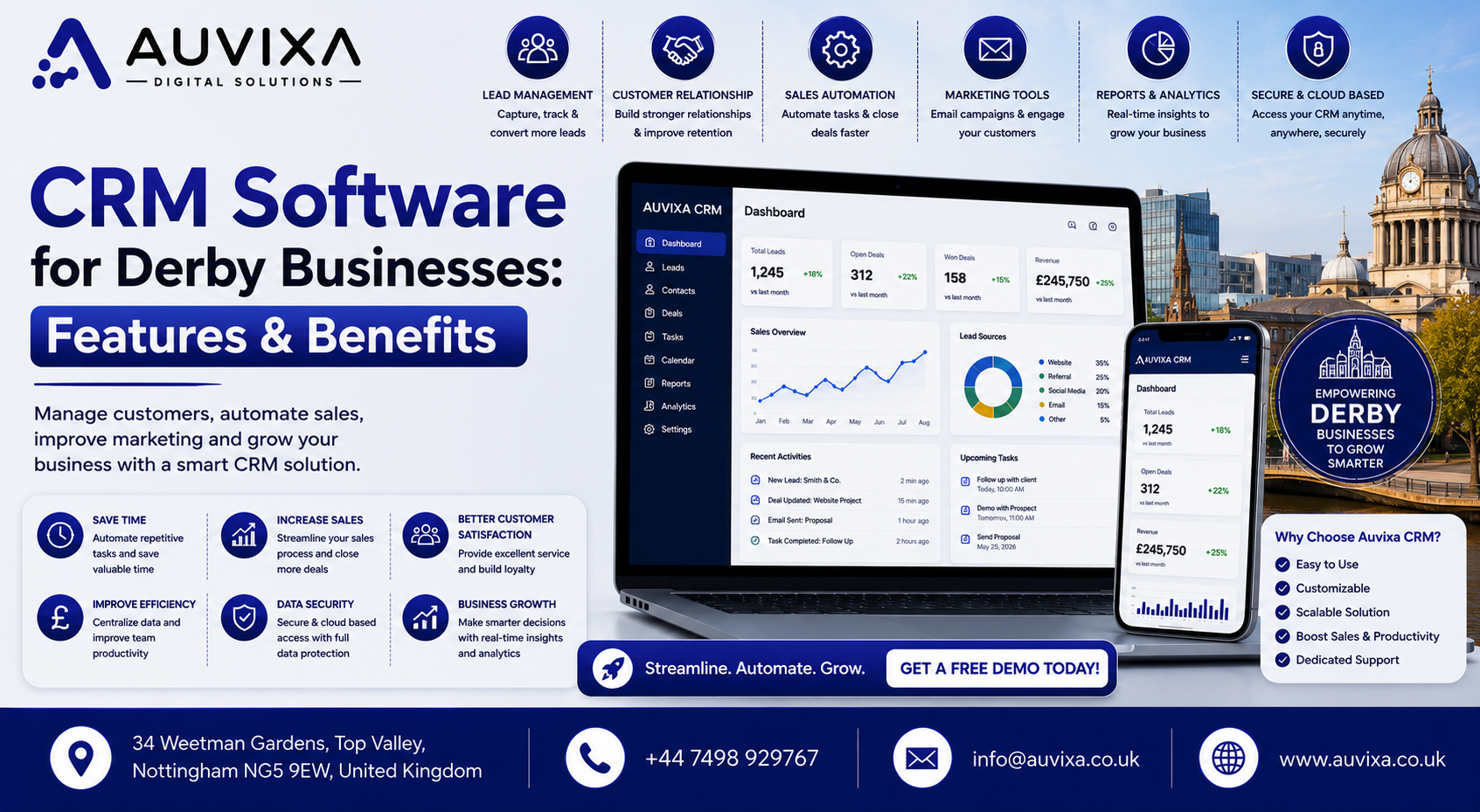
CRM Software for Derby Businesses Features & Benefits
What Is CRM Software and Why Does It Matter in Derby?
CRM software is designed to help businesses organise and manage relationships with existing customers and potential clients. At its most basic level, a CRM stores information such as names, telephone numbers, email addresses, company details, communication history, and sales activity. Modern platforms go much further by connecting this information to sales pipelines, marketing campaigns, customer service, automation, reporting, and workflow management.
For Derby businesses, this centralisation can be particularly valuable when teams are growing. A small company might initially manage customers through a spreadsheet without much difficulty. As the number of enquiries increases, however, the spreadsheet becomes harder to maintain. Different employees may create separate versions, important follow-ups can be forgotten, and managers may struggle to understand which opportunities are genuinely active.
A CRM acts as a shared source of information. When a salesperson speaks with a prospective customer, the conversation can be recorded against the appropriate customer profile. Another team member can then see what was discussed without asking the salesperson to reconstruct the entire history.
The system can also provide reminders when action is required. If a prospect needs a follow-up call next Tuesday, the CRM can create a task rather than relying on someone’s memory. That small change can have a surprisingly large impact on sales consistency.
For Derby companies working with customers across Derbyshire, the wider East Midlands, or the UK, cloud-based CRM software can also allow authorised employees to access customer information from different locations.
How CRM Systems Help Local Businesses
A CRM can bring sales, marketing, customer service, and management information into one connected system. Instead of operating separate databases for different departments, teams can work from shared customer records.
This can help businesses:
- Organise customer information
- Track enquiries and sales opportunities
- Schedule follow-ups
- Monitor sales activity
- Automate repetitive communications
- Improve customer service
- Generate management reports
- Reduce duplicate data entry
- Track marketing leads
- Coordinate team activities
The result is a more structured approach to customer management.
Signs Your Derby Business Needs a CRM
You may benefit from CRM software if your business regularly experiences problems such as missed follow-ups, duplicate customer records, lost enquiries, inconsistent sales processes, or difficulty producing accurate sales reports.
Other warning signs include employees keeping customer information in personal spreadsheets, managers lacking visibility into sales opportunities, or staff spending excessive time searching for customer information.
If your team is growing and customer data is becoming increasingly difficult to manage, implementing a CRM before the problem becomes overwhelming can make the transition much easier.
CRM Software for Derby Businesses Features & Benefits
Essential CRM Software Features for Derby Businesses
Not every CRM platform offers the same features, and not every business needs every available tool. The best approach is to identify the capabilities that directly support your company’s workflows.
A good CRM should make everyday work easier rather than creating another complicated administrative burden. The interface needs to be practical, employees should understand how to use it, and automation should remove repetitive work wherever possible.
Contact and Customer Management
At the heart of almost every CRM is contact management. This feature provides a central location for storing information about customers, prospects, suppliers, and other important business contacts.
A customer record may contain:
- Contact information
- Company details
- Previous conversations
- Emails
- Telephone notes
- Sales opportunities
- Tasks
- Appointments
- Purchase history
- Customer preferences
- Documents
Having this information in one place allows employees to understand the customer relationship quickly.
For example, imagine a Derby-based business receiving a telephone enquiry from an existing client. Rather than asking the customer to explain their history again, the employee can open the CRM record and see previous interactions. That creates a smoother experience and gives the customer confidence that the business understands their needs.
Sales Pipeline and Lead Management
Sales pipeline management is another core CRM feature. It allows businesses to visualise opportunities as they move through different stages.
A typical pipeline might include:
New Lead → Qualified → Consultation → Proposal → Negotiation → Won/Lost
The exact stages should reflect the company’s sales process.
This gives managers an immediate overview of opportunities. They can see how many prospects are active, which deals are approaching completion, and where opportunities are getting stuck.
Lead scoring can also help sales teams prioritise prospects. Rather than treating every enquiry equally, businesses can identify opportunities that are more likely to convert based on predefined criteria.
For Derby businesses competing in local and regional markets, structured lead management can prevent valuable enquiries from disappearing into crowded inboxes.
Marketing Automation and Email Integration
CRM software can connect customer information with marketing activity. Email integration allows businesses to track communications while automation can handle repetitive marketing tasks.
For example, a business could create an automated sequence for new enquiries. A prospect might receive an initial acknowledgement, followed by useful information a few days later and a reminder to arrange a consultation.
CRM-based marketing can also support segmentation. Customers can be grouped based on characteristics such as industry, location, previous purchases, or stage in the sales journey.
The goal isn’t to send more messages simply because automation is available. Good CRM marketing helps businesses send more relevant communications at the appropriate stage of the customer journey.
Reporting, Dashboards and Business Analytics
Business decisions become easier when managers have access to reliable information.
CRM dashboards can provide visibility into metrics such as:
- Number of new leads
- Conversion rates
- Sales pipeline value
- Revenue by salesperson
- Lead sources
- Customer retention
- Sales cycle length
- Outstanding activities
- Won and lost opportunities
Instead of manually combining data from multiple spreadsheets, managers can view information through configurable reports.
A Derby business owner could, for example, compare lead sources and determine whether referrals, organic search, paid advertising, networking, or other channels are generating the strongest opportunities.
Task Management and Team Collaboration
CRM software can help employees organise activities related to customers and prospects.
A sales representative may have dozens of follow-ups each week. Without a structured system, some tasks will inevitably be forgotten.
CRM task management can provide:
- Follow-up reminders
- Appointment scheduling
- Call tasks
- Email reminders
- Internal notes
- Assignment of activities
- Due dates
- Notifications
Managers can also see whether important activities have been completed.
This creates greater accountability without requiring constant meetings or manual status updates.
Mobile Access and Cloud CRM
Modern businesses increasingly require access to information outside the traditional office. Cloud-based CRM software allows authorised users to access customer records through internet-connected devices.
A salesperson visiting a client in Derby, Nottingham, Leicester, or elsewhere can potentially access the latest customer information before a meeting.
Mobile CRM can be particularly useful for:
- Field sales teams
- Service businesses
- Property professionals
- Construction companies
- Consultants
- Recruitment agencies
- Account managers
However, businesses should carefully review security controls and user permissions before enabling mobile access.
CRM Software for Derby Businesses Features & Benefits
Benefits of CRM Software for Derby Businesses
Implementing CRM software isn’t simply about acquiring new technology. The real benefit comes from improving how people work with customers and information.
A successful CRM implementation can create operational improvements across sales, customer service, marketing, and management.
Improve Customer Relationships
Customers expect businesses to remember their previous interactions. Repeatedly asking for the same information can make an organisation appear disorganised.
CRM software provides employees with access to customer history, allowing them to understand previous conversations, purchases, enquiries, and issues.
This creates a more personalised experience.
A customer who contacts a Derby company about an existing order, for example, should not necessarily have to explain everything from the beginning. If the relevant information is recorded correctly, the employee can quickly understand the situation and respond appropriately.
Over time, this consistency can strengthen customer relationships.
Increase Sales and Lead Conversion
One of the biggest reasons businesses invest in CRM software is to improve sales management.
A CRM helps sales teams understand where each prospect is in the buying journey. Automated reminders reduce the chance of missed follow-ups, while pipeline reporting helps managers identify stalled opportunities.
The system can also reveal patterns. Perhaps leads are frequently lost after quotations are sent. Perhaps certain enquiry sources produce high-quality customers while others generate mostly low-value prospects.
With the right data, management can make adjustments based on evidence rather than assumptions.
Save Time and Reduce Administrative Work
Manual administration can quietly consume a large portion of an employee’s working day.
Copying information between spreadsheets, searching emails, creating reminders, preparing reports, and updating multiple systems all take time.
CRM automation can reduce repetitive work.
For example, when a new lead is entered, the system might automatically assign it to a salesperson, create a follow-up task, send an acknowledgement email, and add the opportunity to the appropriate pipeline.
The employee can then focus on the conversation with the customer rather than administrative preparation.
Make Better Data-Driven Decisions
Without reliable data, business decisions can become heavily influenced by assumptions.
CRM reporting provides a clearer picture of business performance.
Management can identify which products sell best, which customers generate the most value, which salespeople need additional support, and which marketing channels generate quality leads.
The information becomes particularly useful when reviewed consistently rather than treated as a one-off report.
How to Choose the Right CRM for Your Derby Business
Choosing CRM software requires more than comparing feature lists. A platform may have hundreds of functions, but if employees find it difficult to use, adoption will suffer.
Start by documenting your current processes. Identify where leads arrive, how customer information is recorded, how sales opportunities are followed up, and which administrative tasks consume the most time.
Then identify the problems you want the CRM to solve.
A smaller Derby business may benefit from a straightforward platform focused on contact management and sales pipelines, while a larger organisation may require advanced automation, customer service tools, reporting, integrations, and custom workflows.
Customisation, Integrations and Scalability
A CRM should be able to work with the tools your business already uses.
Potential integrations include:
- Email platforms
- Accounting software
- Website forms
- E-commerce systems
- Marketing platforms
- Calendar applications
- Telephone systems
- Customer support tools
- Business intelligence software
Scalability is equally important. A CRM that works for five employees may become restrictive when the organisation grows to 50.
Before selecting a system, consider how your business may operate in three to five years.
Data Security and GDPR Considerations
Customer information is valuable and must be handled responsibly. UK businesses using CRM systems should consider data protection requirements, including applicable UK GDPR and Data Protection Act 2018 obligations.
Important considerations include:
- User permissions
- Password security
- Multi-factor authentication
- Data backups
- Encryption
- Access logs
- Data retention policies
- Supplier security practices
Businesses should also understand where CRM data is stored and how the provider processes personal information.
CRM Software for Derby Businesses Features & Benefits
Professional CRM Implementation for Derby Companies
Buying CRM software is only the beginning. The implementation process often determines whether the system actually delivers value.
Professional CRM implementation can include data migration, workflow configuration, integrations, user permissions, reporting dashboards, automation, and staff training.
Data should be cleaned before migration wherever possible. Duplicate contacts, outdated records, inconsistent formatting, and irrelevant information can make a new CRM difficult to manage from day one.
Training is equally important. Employees need to understand not only which buttons to click but why accurate CRM usage matters to the wider business.
A practical implementation strategy usually starts with the most important workflows rather than attempting to automate everything immediately. Once employees are comfortable with the core system, additional features can be introduced gradually.
For Derby businesses looking for CRM software implementation, CRM development, or CRM consulting, working with an experienced technology partner can help align the platform with existing business processes rather than forcing employees to completely change how they work.
Conclusion
CRM software for Derby businesses can transform the way companies manage customers, leads, sales activities, marketing campaigns, and internal workflows. By bringing customer information into one central system, businesses can reduce administrative work, improve follow-ups, strengthen customer relationships, and gain greater visibility over sales performance.
The most valuable CRM isn’t necessarily the platform with the longest feature list. It is the system that employees actually use and that fits naturally into the organisation’s daily processes. Features such as contact management, sales pipelines, automation, reporting, task management, integrations, and mobile access can provide substantial benefits when implemented properly.
For Derby businesses, choosing a CRM should involve careful consideration of company size, industry requirements, budget, existing software, data protection responsibilities, and future growth. Professional implementation can further improve results by ensuring that data, workflows, integrations, permissions, and employee training are handled correctly.
Whether you’re a small local company managing a growing customer base or an established Derby organisation looking to modernise its sales operations, the right CRM system can turn scattered customer information into a structured business asset.
FAQs
1. What is CRM software for businesses?
CRM software is a platform that helps businesses manage customer information, leads, sales opportunities, communications, tasks, and relationships from a central system.
2. Why should a Derby business use CRM software?
A CRM can help Derby businesses organise customer information, prevent missed follow-ups, improve sales visibility, automate repetitive tasks, and deliver more consistent customer service.
3. What features should a business look for in CRM software?
Important features include contact management, sales pipeline tracking, task management, reporting, email integration, automation, mobile access, customisation, and integrations with existing business systems.
4. Is CRM software suitable for small businesses in Derby?
Yes. Small businesses can benefit significantly from CRM systems because they provide structure as customer numbers and sales activity increase. Many platforms offer plans designed for smaller teams.
5. Can CRM software automate sales follow-ups?
Yes. Depending on the platform, CRM software can automatically create follow-up tasks, send emails, assign leads, schedule reminders, and move opportunities through predefined workflows.
6. Can CRM software integrate with accounting systems?
Many CRM platforms can integrate with accounting software through native integrations, APIs, or third-party connectors. The available options depend on the specific CRM and accounting platform.
7. Is CRM software GDPR compliant?
CRM software itself does not automatically make a business GDPR compliant. Businesses remain responsible for how they collect, process, store, and manage personal information. Security controls and appropriate data-processing practices should be reviewed carefully.
8. How much does CRM software cost for a Derby business?
CRM costs vary considerably depending on the number of users, features, integrations, customisation, and implementation requirements. Businesses should compare the total cost of ownership rather than looking only at the monthly subscription.
9. Can CRM software grow with my business?
Yes. Many modern CRM platforms offer scalable plans and additional features that can support businesses as their teams, customer databases, sales pipelines, and operational requirements expand.
10. Should I use an off-the-shelf CRM or custom CRM software?
An off-the-shelf CRM can be suitable when your business processes closely match the platform’s existing functionality. Custom CRM development may be preferable when your workflows are highly specialised or require integrations and features that standard platforms cannot provide.
